1. x6ud
I LOVE this website!! It's saved my ass more times than I can count.
How it Works: You are given a 3D render of a skull (canine by default). Using the Gizmos around the skull, you can position it how you want.
When you hit "search", you will get images of animals best fitting the position of the skull.
You can chose which skull type you want to use and you can filter the reference images by animal.

2. Pose Space
This is one of those "pose library" websites, but this is by far the most thorough one I've found.
The filter options are pretty great, you have 8 filters for positions along with gender, clothing, props, and lighting.
This website will give you the option to "buy" the image(s), but you don't have to do that. The cover image is high quality,
so you can just reference it.
The only negative about this website is there aren't many different body types. You are given a few different skin tones,
but pretty much every model is skinny and fit, so be warned.
3. Coolors
I'm sure many of you know coolors, but just in case you don't:
Coolors is a free online color palette generator, you can generate a palette, edit a palette, or browse other people's.
Coolors offers hex, rgb, cymk, hsv and more for each color.
There's options for visualizing your palette (I find this very useful) and you can extract a palette from an image.
Coolors also offers a lot of other services, like a CSS gradient tool, very useful.
Some features are locked behind a pro account, but it's in no way necessary.
4. Adorkable (Formally SenshiStock)
I love the poses featured on Adorkable's DeviantArt. I've used them for years now. It's not great for if you want to search for a
specific pose, but it's great if you want a fun, active and unique pose. They use a lot of high quality props and have a lot of
body diversity.
To the side is an example of one of Adorkable's poses. There are hundreds just like this one.
link here

1. Pose Space
This is one of those "pose library" websites, but this is by far the most thorough one I've found.
The filter options are pretty great, you have 8 filters for positions along with gender, clothing, props, and lighting.
This website will give you the option to "buy" the image(s), but you don't have to do that. The cover image is high quality,
so you can just reference it.
The only negative about this website is there aren't many different body types. You are given a few different skin tones,
but pretty much every model is skinny and fit, so be warned.
2. Adorkable (Formally SenshiStock)
I love the poses featured on Adorkable's DeviantArt. I've used them for years now. It's not great for if you want to search for a
specific pose, but it's great if you want a fun, active and unique pose. They use a lot of high quality props and have a lot of
body diversity.
To the side is an example of one of Adorkable's poses. There are hundreds just like this one.
link here
3. Sketch Daily
Sketch Daily is like a better Line of Action. These types of websites work by letting you select filters, then it will show you random poses at a set time interval. You have lots and lots of filter options with Sketch Daily, including action vs stationary poses and view options (front, side, back and above/below). You can also disable the timer, which I very much so appreciate. I mainly use Sketch Daily for poses, but you can also filter for Body Parts, Animals, Structures, Vegetation and even your own pictures.
4. Line of Action
Line of Action is a fairly well known website. There are lots of objects as far as what you want to draw. You can draw Figures, Animals Hands/Feet, Expressions and Environments. You can filter nudity and props, but you cannot specify the type of pose (as in sitting, standing, etc). There is a timer included, but no way to turn it off. You can pause the timer through the controls, but it's a little annoying to me that you can't just disable the timer. Ultimately, it's a great resource because of the amount of photos this website is pulling from. It's great for warm ups especially.
1. Coolors
I'm sure many of you know coolors, but just in case you don't:
Coolors is a free online color palette generator, you can generate a palette, edit a palette, or browse other people's.
Coolors offers hex, rgb, cymk, hsv and more for each color.
There's options for visualizing your palette (I find this very useful) and you can extract a palette from an image.
Coolors also offers a lot of other services, like a CSS gradient tool, very useful.
Some features are locked behind a pro account, but it's in no way necessary.
2. Color Hunt
Now, I don't use Color Hunt very often, I typically perfer coolors. However, Color Hunt can be good if I don't want to
rely on a generator for a good palette.
Color Hunt specially curates their palettes, but the drawback is you cannot
create your own. They have a lot of filter options and you can find similar palettes to the one you're viewing. It's good
if you have a vibe you're going off of and want a palette to fit.
Everyone who has ever looked for stock photos has run into Unsplash lol
Sometimes Pinterest pisses me off and I want
more 'professional' photography, stuff like good composition, color grading and attention to exposure that can be
hard to find on Pinterest. That's when I come here!
Unsplash has a search function and some filtered options already provided.
I've always been satisfied with the photos I find there.

2. Pexels
Pexels has a wide variety of photos to reference including people, animals, environments, extreme zoom, wide angles and more. If I ever feel dry on inspiration and I can stomach a full piece, I'll go here to find some inspo. You can search for a specific photo, pexels also has some predefined filters and they have a "leaderboard" tab to see the best of the best (according to pexels, at least). All in all, they are stock photos, you aren't going to find ameture photography here, but you will find decent to exceptional environmental shots here :3
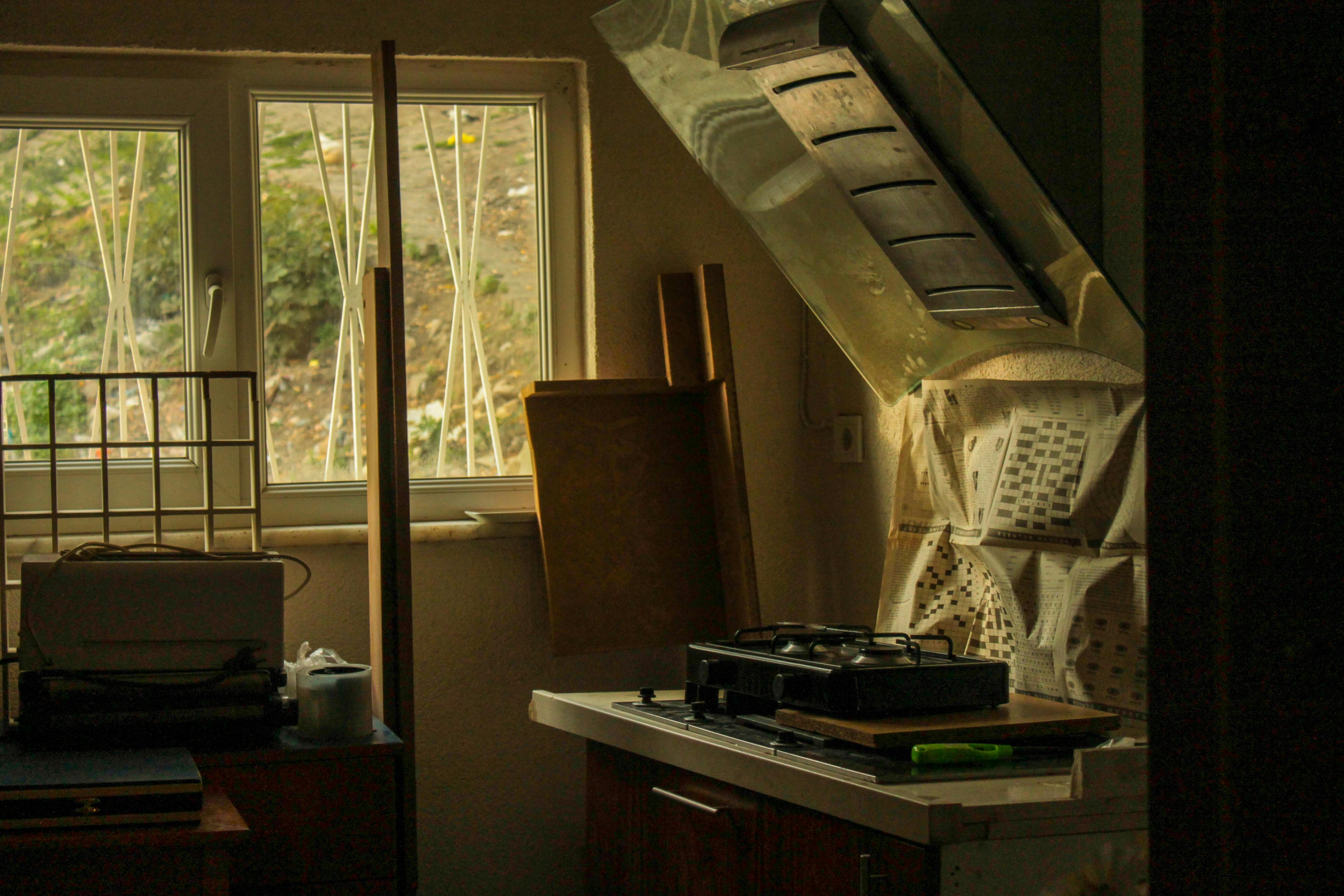 Here is an example of a photo I found there, I like the vibes goin on
link here
Here is an example of a photo I found there, I like the vibes goin on
link here
1. DaFonts
I get most of my fonts from DaFonts, I think it's better than Google Fonts, and it's leagues better than Adobe Fonts. You can sort filter style and sort from most popular, newest and others. They have a lot of fonts from popular media like Minecraft, Akira, and KPOP Demon Hunters. They also have a forum for font identificaiton and instructions for downloading and using fonts :>
2. Heather's Animations
Heather has collected thousands of GIFs and backgrounds for web developers (or for any other creative endeaver I suppose). They sort their assets by Categories (birds, nature, colors, etc). This site hasn't been updated since 2016, so you get a lot of genuine gifs and not a bunch of "fav chaarcter getting rubbed by hand" for the 14th time. For the backgrounds: Heather has it set up so when you preview the image, the website's background gets set to said image. It's a great tool to see if you like the image after it's been tiled c:
3. EmojiCombos
There are tons of websites where you can copy and paste complex emoticons, but this one is my favorite ( ˶ˆᗜˆ˵ )
4. Transparent textures
This free website has a good few semi-transparent backgrounds to layer over a color for your website c:
I used
one of their textures for my photography page
1. x6ud
I LOVE this website!! It's saved my ass more times than I can count.
How it Works: You are given a 3D render of a skull (canine by default). Using the Gizmos around the skull, you can position it how you want.
When you hit "search", you will get images of animals best fitting the position of the skull.
You can chose which skull type you want to use and you can filter the reference images by animal.
2. The Etherington Brothers
I'm sure if you spend anytime as an artist online looking for tutorials, you've seen their work.
But even if you've seen some of their tutorials, I've linked a masterlist of all their free ones!
They have a lot of oddly specific tutorials, like one for wires and another for dolphins? It's honestly pretty great.
3. Drawing Books
This site has 23 (as of right now) completly free vintage art books. There's textbooks on anatomy, poses, colors, contrast etc. It's a nifty little resource if you ever want to pursue a more academic learning style. It's upholded by an Indie Dev too, which makes it even better.